Installation#
This page explains how to run axonometry scripts for end users. If you intend to develop on top of axonometry, see the Contributing section.
For users familiar with Python packages, the axonometry library is available from the Python Package Index and can be installed like any other package.
Warning
The recommended Python version is 3.12. Versions 3.10 and 3.11 are compatible as well.
axonometry is not yet compatible with Python 3.13. But no worries, uv will take care of this automatically.
In this section we explain how to run axonometry using uv. This method is very simple and normally ensures cross-platform compatibility as well.
TL;DR
Install uv, then uv run --with axonometry script.py 🎉
1. Install uv#
Run the following command in a terminal [1] :
# On macOS and Linux, in Terminal.
curl -LsSf https://astral.sh/uv/install.sh | sh
# On Windows, in PowerShell.
powershell -ExecutionPolicy ByPass -c "irm https://astral.sh/uv/install.ps1 | iex"
2. Run a script#
In a folder of your choice, create a new file named script.py and add the following code to the file:
from axonometry import Axonometry, Point, Line
my_axo = Axonometry.random_angles()
my_axo.draw_line(Line(Point(x=92, y=84, z=17), Point(x=92, y=111, z=17)))
my_axo.save_svg("drawing")
Save the script file and navigate to its location in your terminal/shell. From within the folder, execute the script with the following command:
uv run --with axonometry script.py
Congratulations, you just run your first axonometry script !
The folder where the script was executed now contains a new output folder with the exported SVG file:
.
├── script.py
└── output
    └── drawing.svg
Tip
The --with axonometry flag is necessary as it commands uv to download the axonometry package with the necessary dependencies
before executing your code. If your code has extra dependencies, use --with <package_name> for each.
Another way is to add this script header to the top of your script.py file:
# /// script
# requires-python = ">=3.12"
# dependencies = [
#     "axonometry",
# ]
# ///
After that, you can execute the script simply with uv run script.py.
3. Test visualization#
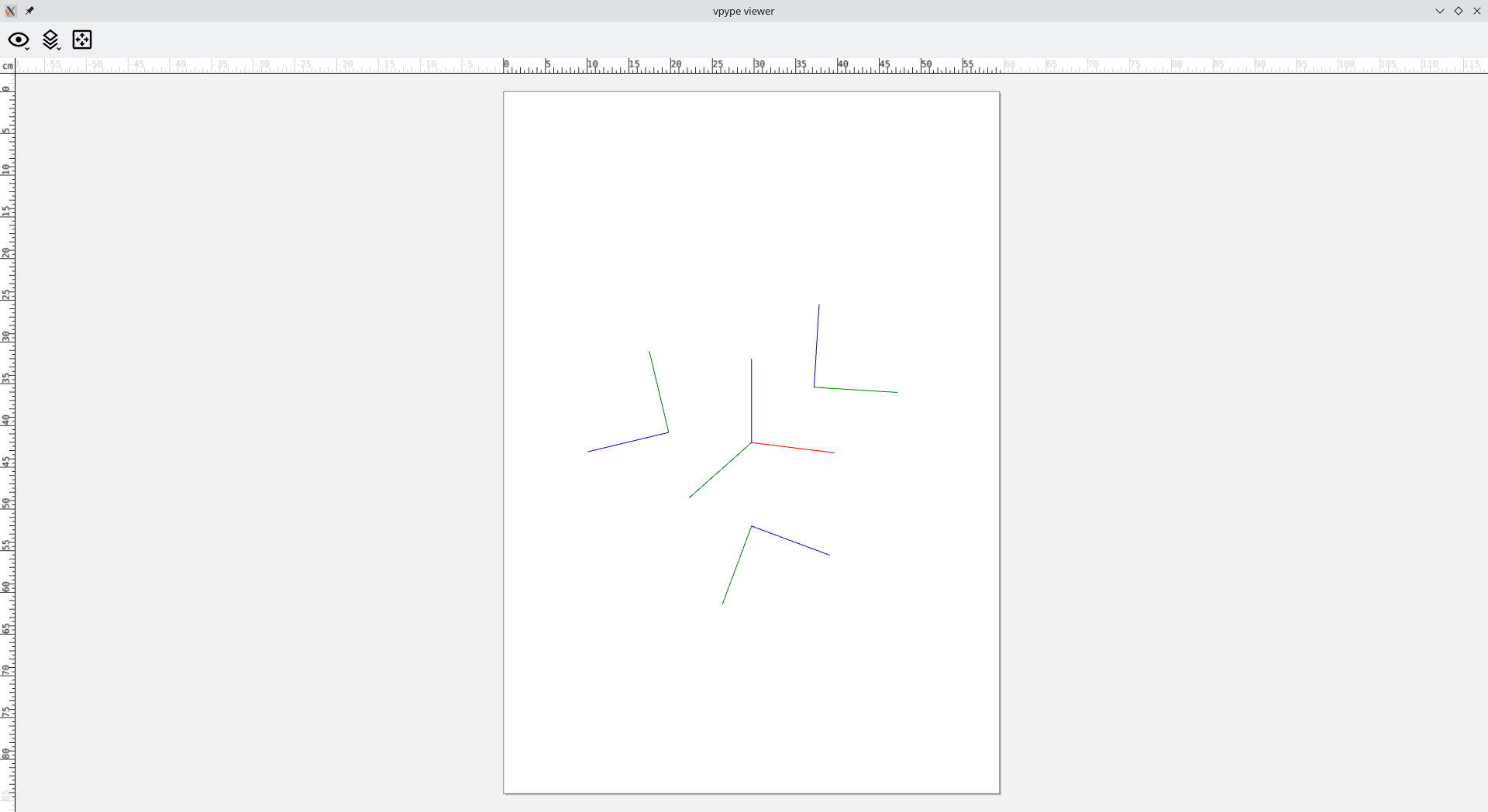
To double check that axonometry works fine, append the following line to your script.py file.
my_axo.show_paths()
When executing the script with uv run --with axonometry script.py a new window with a drawing should appear.